One timeline per client
Same clips, different timeline. You rebuild the edit from scratch every time a new brand asks.
Same reaction and demo clips, fresh edit per brand. Second Take pairs the footage, writes the hooks, and batch-exports. You just approve and ship.
Built for tech UGC creators who film once and deliver to many.
Same clips, different timeline. You rebuild the edit from scratch every time a new brand asks.
New caption, new overlay, new hook. All manual, for every deliverable. Every client version starts from zero.
CapCut for editing, Snapchat for captions, Drive for exports, Notes for briefs. Every tool does one thing. None of them talk to each other.
Reaction
Demo
Reaction
Demo
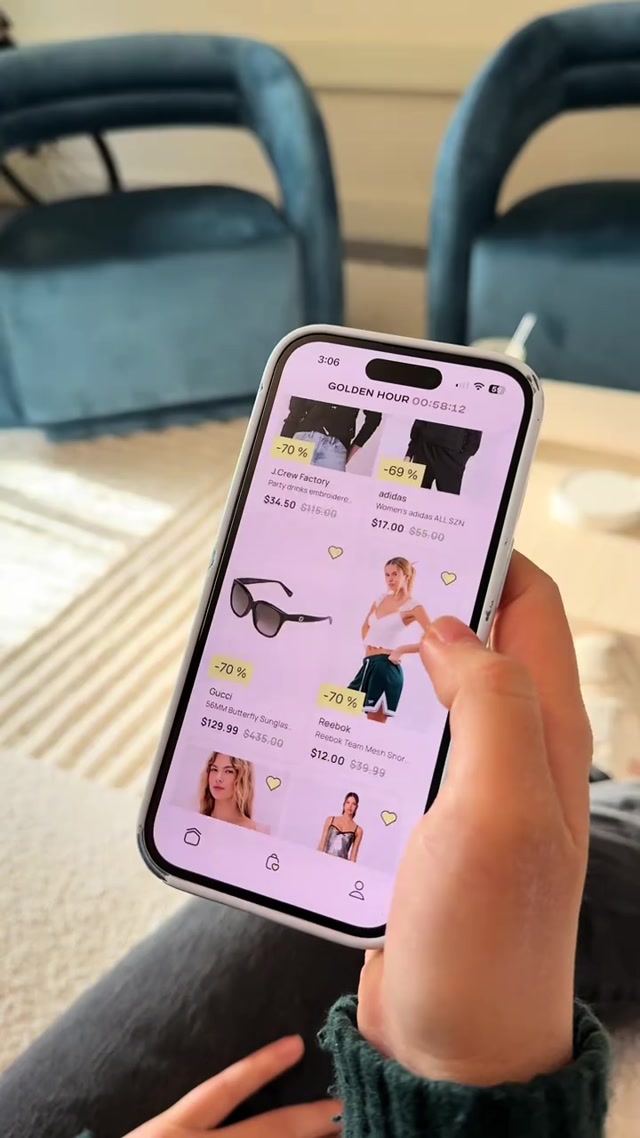
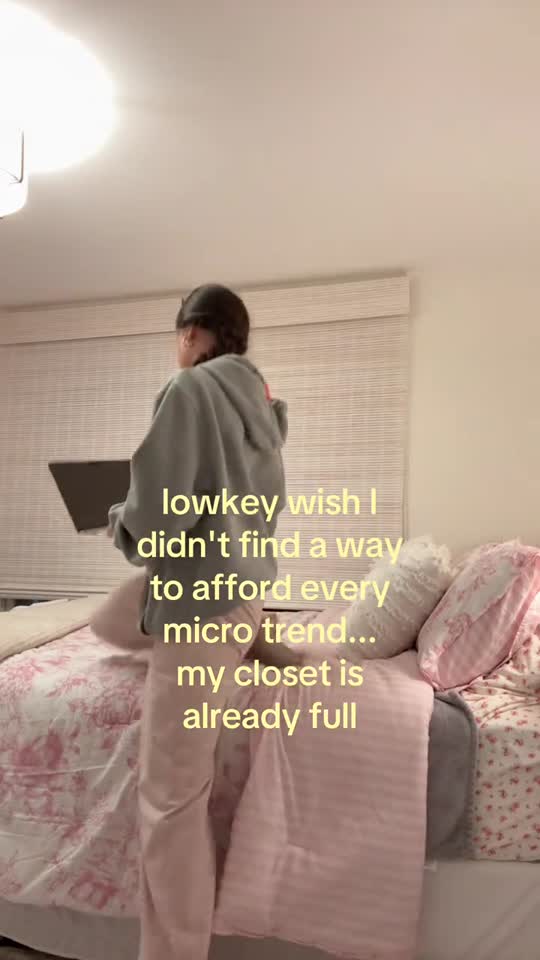
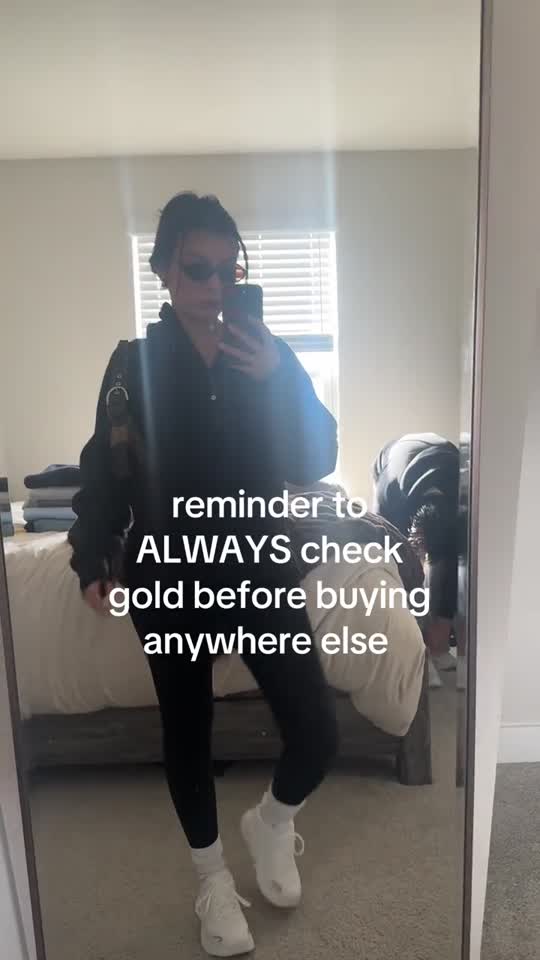
Reactions, demos, product B-roll. Tag by type and let the library grow with every shoot.
Pick the brand, select the tone and angle. Second Take matches clips to the brief automatically.
6 proposed edits with hooks, captions, and pairings assembled. Approve the winners and export in one pass.
Choose a company, select which clips to use, and hit generate. Second Take pairs your reaction and demo footage, writes the hooks and captions, and queues everything for one-click export.
Reaction
Demo
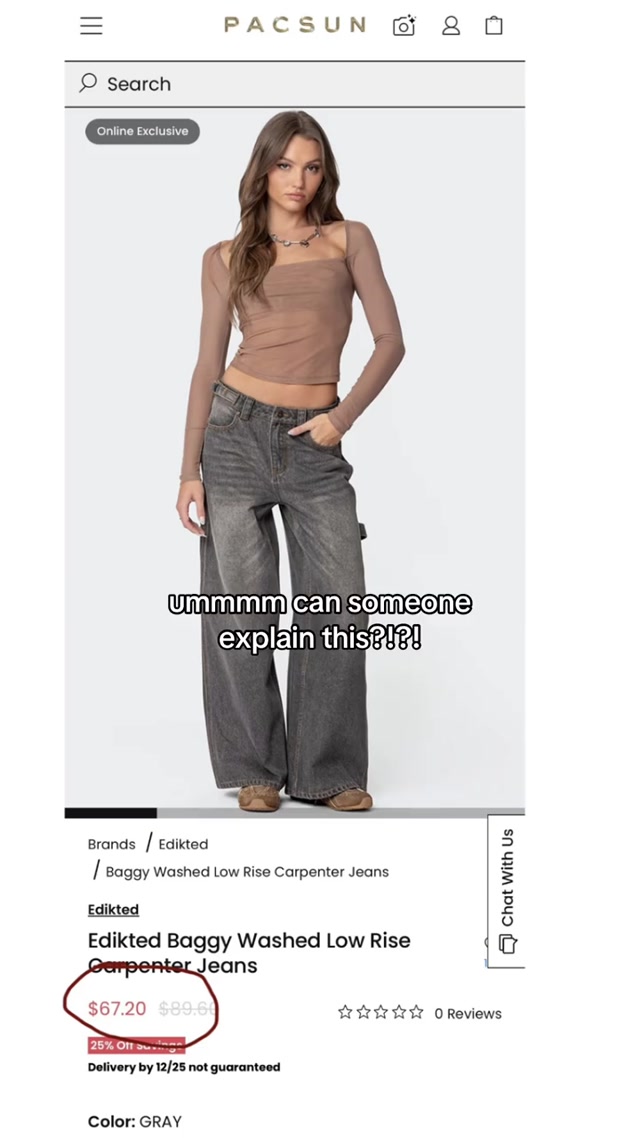
the closet staple that replaced 4 other pieces
Reaction
Demo
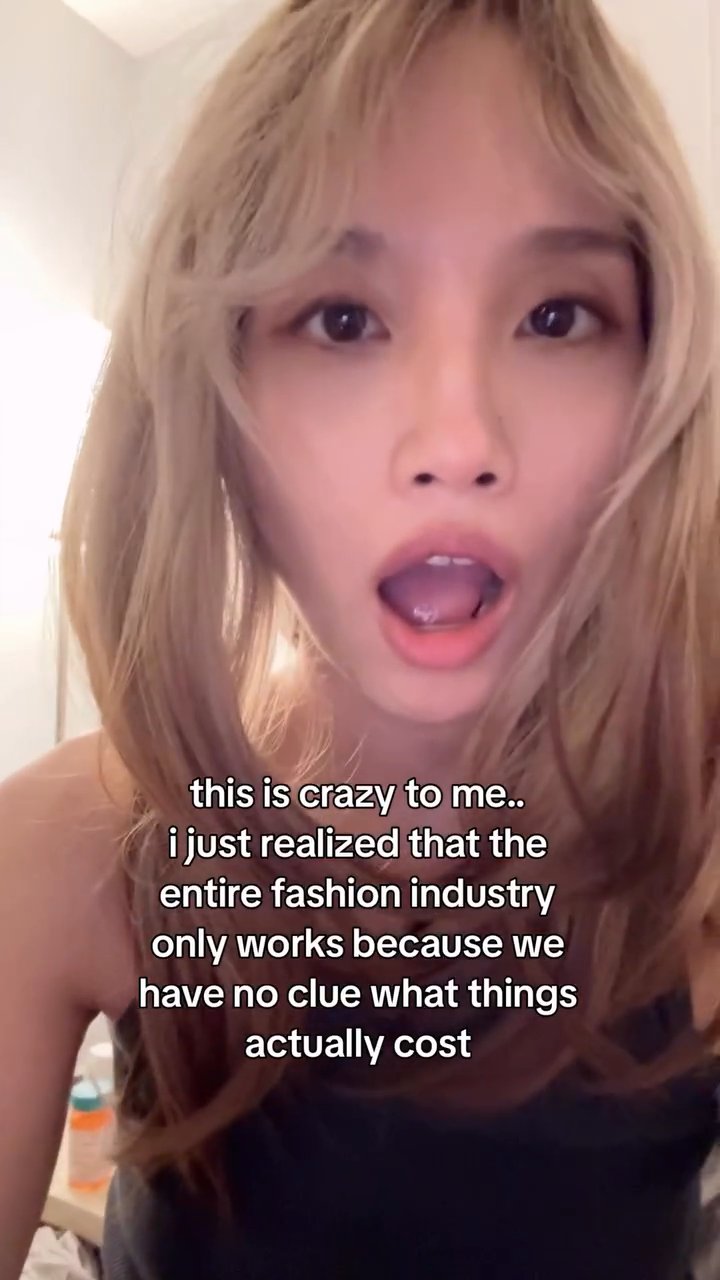
i literally stopped scrolling for this one
Reaction
Demo
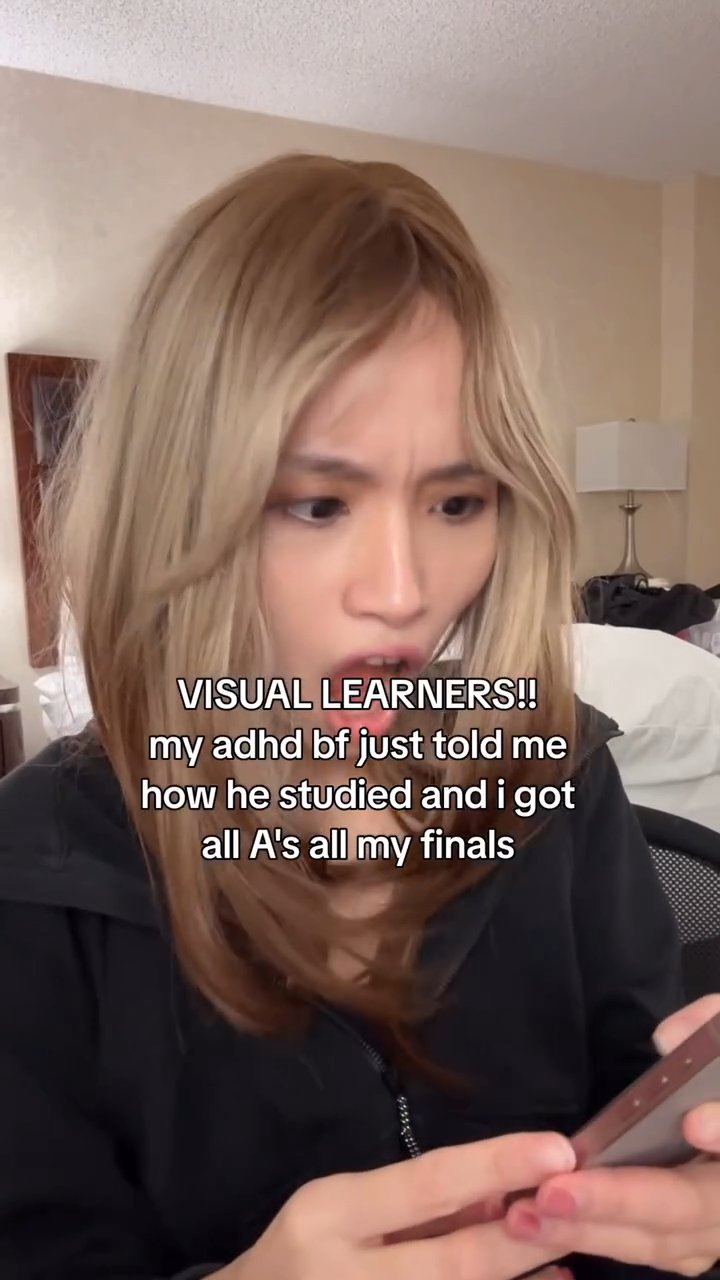
this saved me from buying the same thing twice
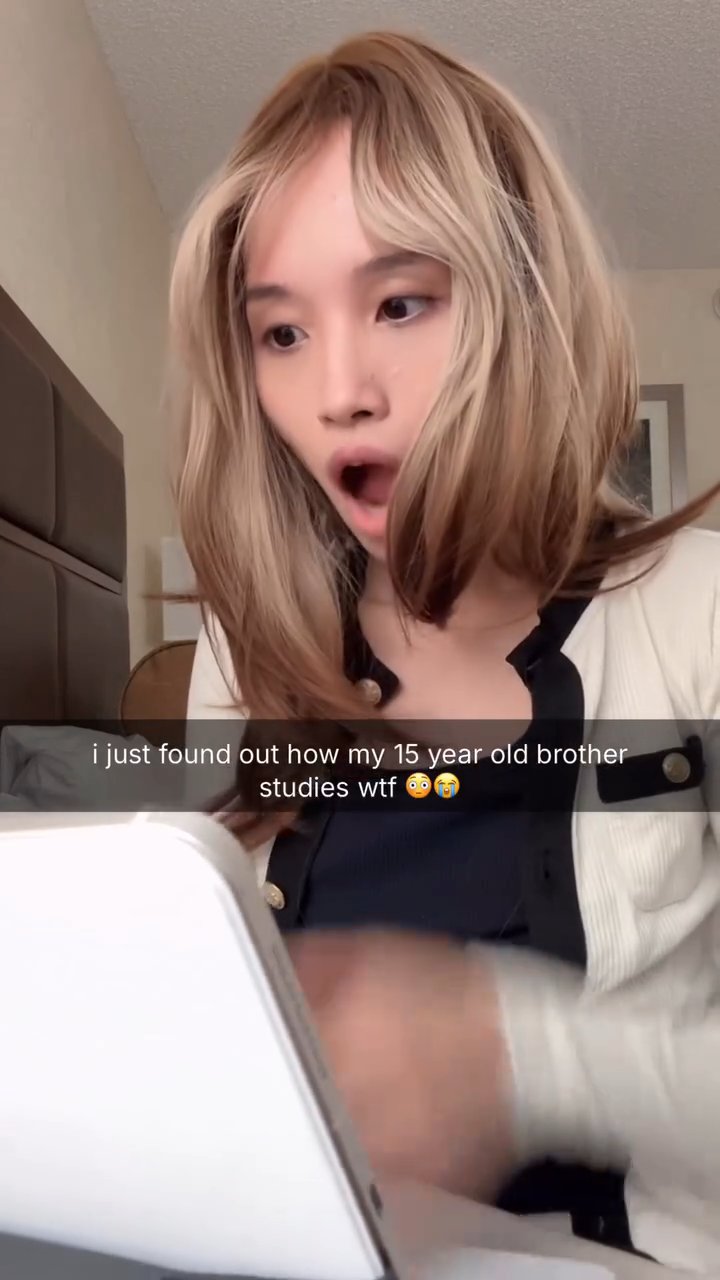
Hi! I'm Lily, a tech UGC creator. I've generated millions of organic views for brands across multiple accounts and niches. The shooting and brainstorming viral ideas is the fun part, but the crunch of repeating the same edits for every new client is not.
I started building a system to skip all that busywork and it worked so well that other creators I know started asking for it. That's how Second Take started.
Second Take is invite-only. Members sign in through the app. New invite holders can redeem an access code. No code yet? Apply below and book a quick intro call.
Sign in with the email and password you used when you created your workspace.
Open Second TakeHave an invite code? .
Use the email and access code from your onboarding call to create your account. No code yet? .
Book a quick onboarding call — you’ll get your access code there, with your workspace ready before it ends.
Book onboarding call